Infraredinterface
CIR-II: learning and sending remote control codes from a PC
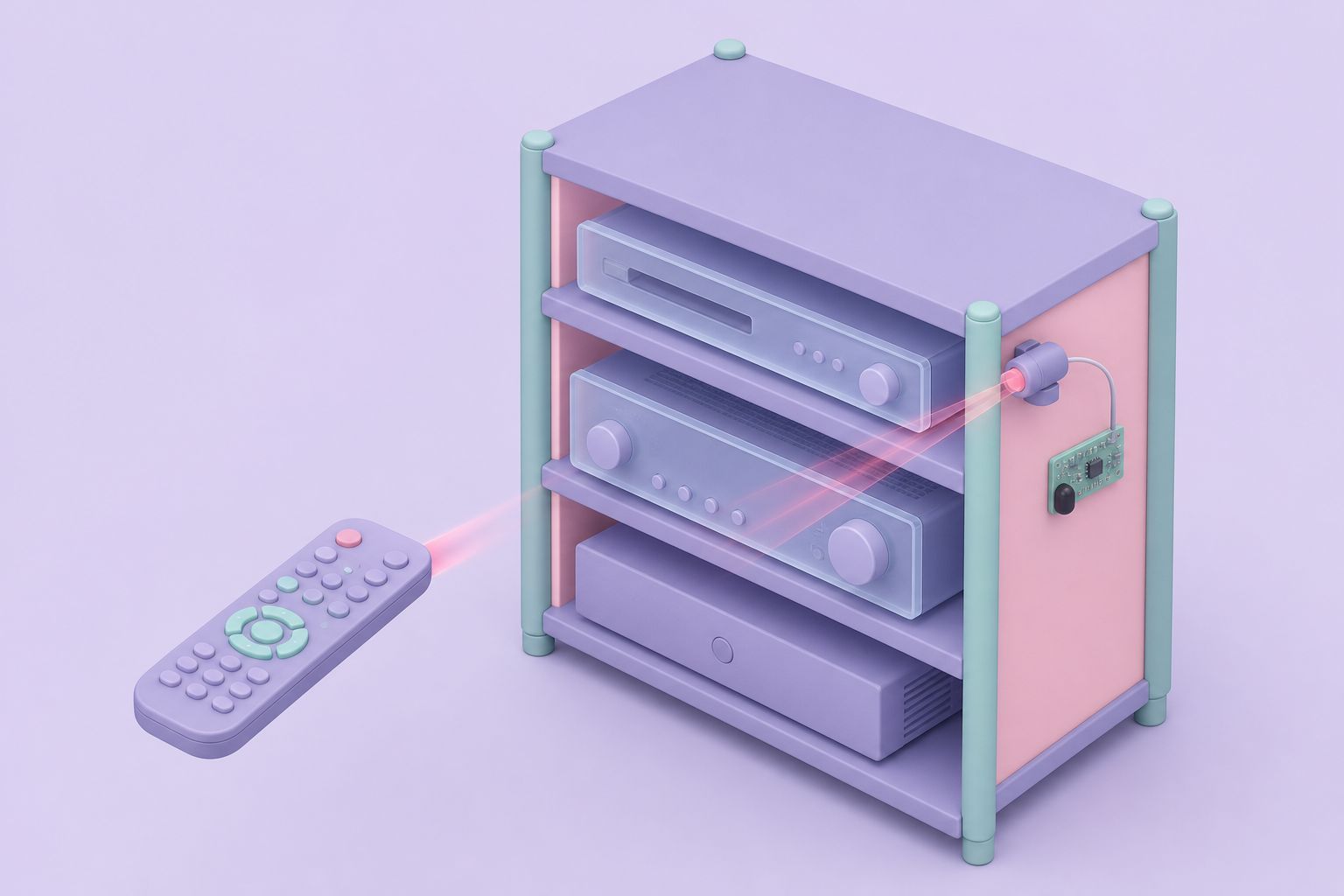
The CIR-II was a very simple infrared interface that plugged into a PC's parallel port. It could receive the codes from a hand-held remote and transmit them again, so the PC could operate a TV, receiver or any other IR-controlled equipment. Midon Design supplied it assembled and tested for home automation users who preferred not to build one themselves.
- PortPC parallel (DB-25)
- Power9 V battery
- SoftwarePowerIR (ZipLabel)
- StatusDiscontinued
First published June 4, 2002 · Text rewritten 2026
A hobbyist design, ready-built
The CIR-II was not an original Midon Design circuit. It was based on the CIR, an infrared interface published by ZipLabel together with its PowerIR software, and it left room for the modifications of a later hobbyist variant known as PCIR. The Midon printed circuit board could be assembled as either version, while the units the company shipped ready-made followed the original CIR design. ZipLabel gave permission for the finished hardware to be offered to the home automation community in this way.
The division of labor was clear. Midon Design supplied the hardware as is. The software came from ZipLabel, and Midon Design offered no software support of any kind, nor help with individual installations. Users who ran into problems were pointed to the common problems notes on the ZipLabel site and to the HomeSeer message board, where owners of CIR and PCIR units compared notes.
In a typical setup the CIR-II sat near the entertainment equipment with a line of sight to it. The PC learned the codes from the original remotes and replayed them on schedule or in response to events, which let home automation software such as HomeSeer switch a TV, change inputs on a receiver or start a CD player. It complemented powerline control products, such as the X-10 devices monitored by the STATX10 X-10 status display, by reaching equipment that only understands infrared.
Original CIR versus the PCIR variant
Both versions share the same receiver and differ only in how the transmit LEDs are driven. In both, Midon Design added a visible red LED on the output so it is obvious when the PC is sending.
| Feature | Original CIR | PCIR variant |
|---|---|---|
| Receive circuit | IR phototransistor Q3 to the parallel port | Identical |
| IR emitters | Two high-efficiency IR LEDs | One high-efficiency IR LED |
| Drive method | LEDs driven directly by a switching transistor through a resistor | Transistor configured as an emitter follower |
| Extra part | None | R6, 33 ohm 1/2 W resistor |
| Shipped assembled by Midon Design | Yes | No, build option on the same PCB |
The two appear to perform similarly in practice. No quantitative comparison of their range or reliability was carried out, so neither can be called the better design on the evidence available.
How the circuit works
Receiving
An infrared phototransistor, Q3, picks up the pulses from a remote control. Its output goes directly to two parallel port inputs: pin 13, labeled +SELECTIN, and pin 3, labeled DATA1. The PC software watches this line and turns the on-off pattern of the IR beam into codes it can store.
Transmitting
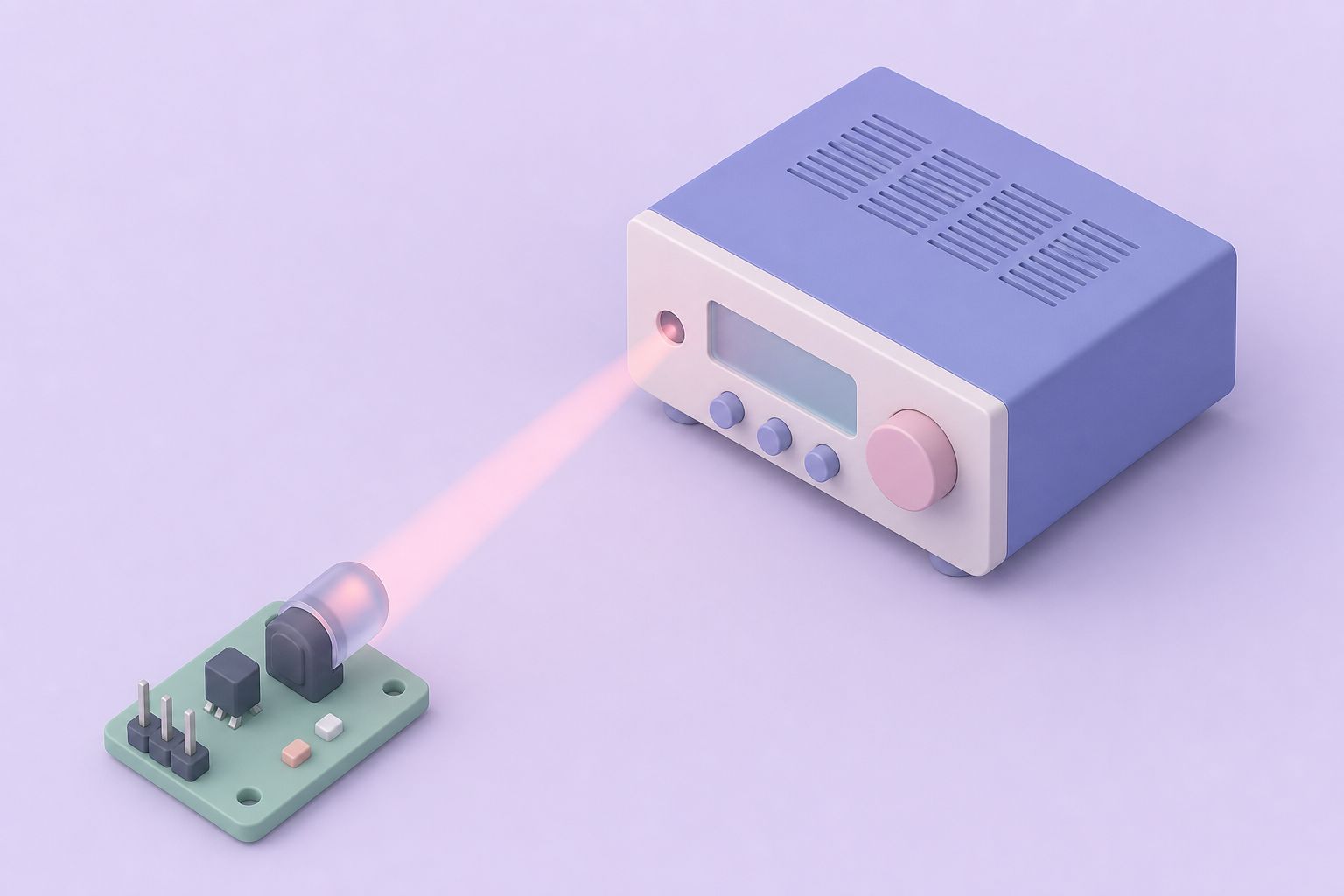
To send, the software toggles DATA0 on pin 2 of the parallel port. That signal switches transistor Q1, which drives the infrared LEDs, and transistor Q2, which drives the visible LED. The resulting on-off IR bursts imitate the original hand-held remote, and any equipment in line of sight responds as if its own remote had been pressed.
Why so few parts
All of the timing is done in software. The parallel port gives the PC direct control of individual pins, so the hardware only needs a detector, a couple of transistors and the LEDs. The same fact explains the CIR-II's biggest limitation, covered further down this page.
The visible LED
Infrared is invisible to the eye, so a transmitter that is not working looks exactly like one that is. The red LED on Q2 flashes whenever the PC sends, which separates software and cable problems from emitter problems at a glance: if the red LED stays dark, the fault is upstream in the PC, the port or the software; if it flashes but the equipment ignores it, attention moves to the IR LEDs, their aim and the distance to the equipment.
Parts for a home build
| Label | Part | Note |
|---|---|---|
| PCB | CIR-II printed circuit board | Supports both versions |
| D1, D2 | IR LED (Radio Shack 276-143) | One only for PCIR |
| D3 | Visible LED, T-1 3/4 | Any red LED will do |
| Q3 | IR detector (Radio Shack 276-145) | Receive side |
| P1 | DB-25 connector | Plugs into the parallel port |
| J1 | 9 V battery clip | Not critical |
| R1, R4 | 10K ohm, 1/4 W | |
| R2, R5 | 220 ohm, 1/4 W | |
| R3 | 680 ohm, 1/4 W | |
| R6 | 33 ohm, 1/2 W | PCIR version only |
The parts list names Radio Shack and Jameco numbers for most items, and every component is a common generic type, so substitutes are easy to find.
Setting up and testing
- Power. Clip a 9 V battery to the battery lead. The battery was not included with the unit.
- Connect. Plug the CIR-II into the PC's parallel port.
- Install the software. Install PowerIR from ZipLabel and follow its installation directions.
- Learn and send. Capture a code from a remote, then send it back and watch the visible LED flash.
- Check the emitters. If the visible LED works but the equipment does not respond, look at the IR LEDs through a video camera. Camera sensors can see infrared, so a working emitter shows up as a flickering light on the screen.
If the unit still refuses to work, the ZipLabel common problems notes and the experience of other CIR and PCIR users on the HomeSeer board were the recommended places to look.
Operating system limits and alternatives
Because the software times the IR pulses by reading and writing parallel port pins directly, the CIR-II depends on an operating system that allows that kind of low-level access. It is known not to work on Windows 2000 or Windows XP, which block direct hardware access by ordinary programs. In practice it belongs with PCs running the older consumer versions of Windows, and with machines that still have a parallel port at all.
Parallel ports have since disappeared from ordinary computers, and IR control in home automation has moved to USB and network-connected IR transmitters that do their own timing. The CIR-II remains a clear example of how little hardware is needed when software does the work. For other interfaces from the same product line, including serial relay boards and the 1-Wire controllers, see the product overview.
Questions and answers
What did the CIR-II do?
It gave a PC an infrared transmitter and receiver on the parallel port. With ZipLabel's PowerIR software, the PC could learn the codes from hand-held remote controls and replay them, letting home automation software operate TVs, receivers and other IR-controlled equipment within line of sight of the unit.
Does the CIR-II work with Windows XP?
No. The CIR-II is known not to work on Windows 2000 or Windows XP. Those systems stop ordinary programs from reading and writing parallel port pins directly, and the PowerIR software relies on exactly that kind of access to time the infrared pulses. It suits older consumer versions of Windows on PCs with a parallel port.
What is the difference between CIR and PCIR?
The receive circuits are identical. The original CIR drives two high-efficiency IR LEDs directly from a switching transistor through a resistor, while the PCIR variant uses a single IR LED on a transistor configured as an emitter follower, plus a 33 ohm resistor. Both work similarly and both can be built on the CIR-II board.
Where did the CIR-II software come from?
The PowerIR software came from ZipLabel, which published the original CIR design and allowed Midon Design to offer finished hardware. Midon Design supplied the hardware only and gave no software or user-specific support. Help came from ZipLabel's common problems notes and from other users on the HomeSeer message board.
How can the IR LEDs be checked?
Point a video camera or phone camera at the IR LEDs while the software sends a code. Camera sensors respond to infrared, so a working emitter appears as a flickering light on the screen even though it is invisible to the eye. If the visible red LED flashes but nothing shows on camera, check the IR LEDs and their transistor.
Related pages
Build an X-10 Status Display; the STATX10
STATX10 lit one LED per X-10 unit code 1 to 8 on a chosen house code, using a 68HC705K1 and a TW-523: circuit, build, testing and DIP switch settings.
RS232Relay Interface
RS232Relay put four Form C dry contact relays on a PC serial port, with momentary, pulsed and steady modes, status LEDs and 12 V AC or DC supply at 350 mA.
Products
All Midon Design 1-Wire kits in one catalogue: TEMP05, TEMP08, LOG08, 1WSwitch, 1WIO, relay boards and programmers, compared by host link, function, era.
Useful Links
Checked 1-Wire and home automation resources: Analog Devices datasheets, OWFS, the Linux w1 driver, the Home Assistant 1-Wire integration and HomeSeer.