Serialrelay board
RS232Relay: a four-channel serial relay board for real-world switching
RS232Relay was a compact relay board from Midon Design that linked a personal computer to switched equipment through a spare RS232 port or a USB-to-serial adapter. Four dry contact relays with Form C contacts could run momentarily, in pulses or continuously, with an LED showing each relay's state, and the whole board ran from 12 V AC or DC.
- Relays4 x Form C
- InterfaceRS232 or USB adapter
- Supply12 V AC/DC, 350 mA
- Timer1 s to 99 min
First published January 24, 2010 · Text rewritten 2026
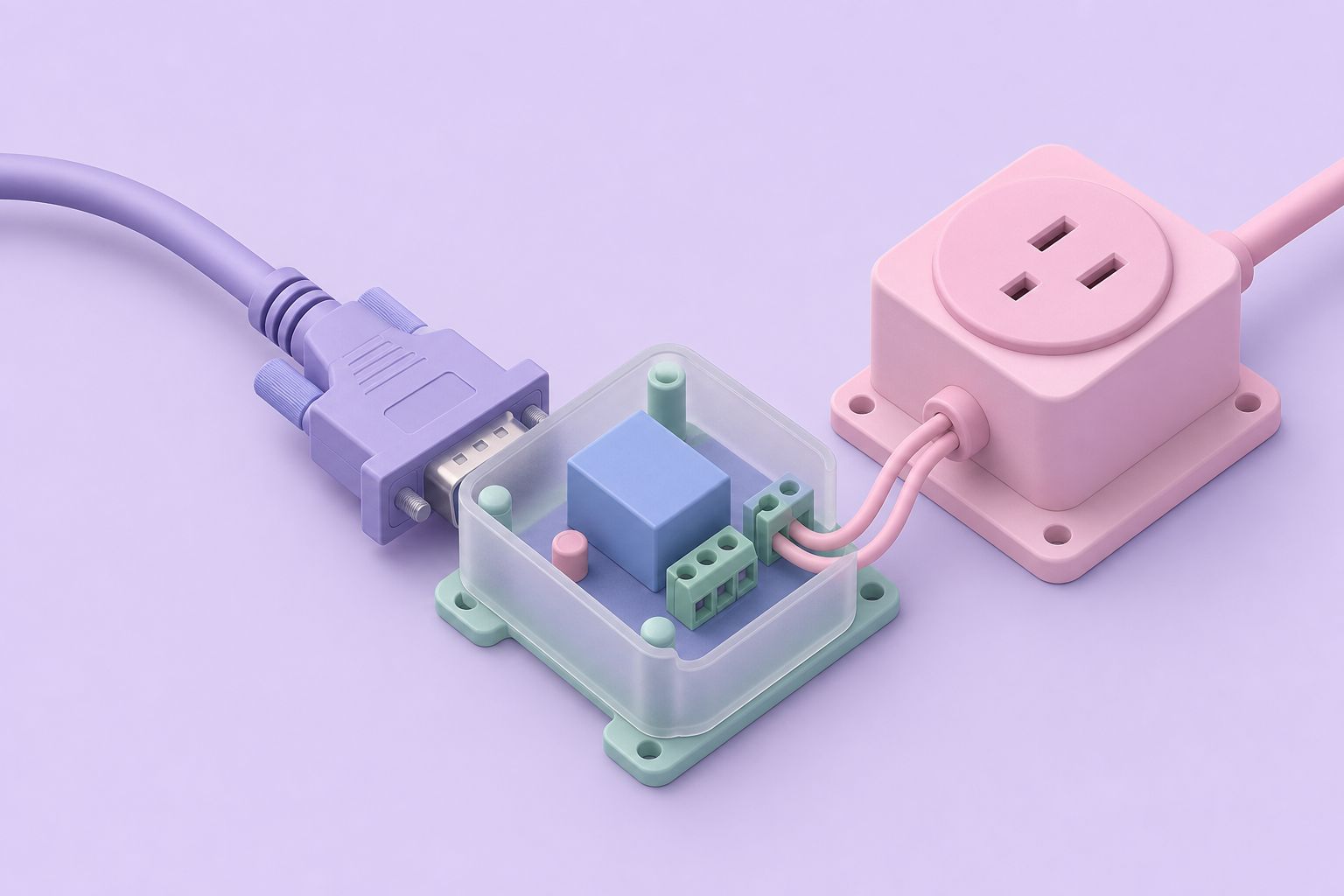
A relay board that talks serial
Many small relay boards expect the host to hold a logic line high for as long as a relay should stay closed. RS232Relay removed that burden. It connected directly to a PC serial port and accepted commands over it, so the computer only had to send an instruction and the board took care of the switching, including timing a relay that should close for a while and then release on its own.
The relays were general-purpose dry contacts, meaning the board provided a clean switch closure and nothing else: no voltage was put on the contacts by the board itself. That made the outputs suitable for almost any load that fits the ratings, from a garage door opener's push-button input to a low-voltage lighting circuit, a siren, a pump contactor coil or the trigger input of another controller. The company summed up the purpose as connecting the PC to real-world functions, and the four channels covered most small home automation jobs.
The board came as a basic bare version and as a version fitted in an optional case, and an instruction manual documented its command set. Like the rest of the product line it is no longer made, and Midon Design stopped selling at the end of 2023.
Within that product line, RS232Relay filled the gap between two other approaches. The RELAY05 offered eight relays but needed a TEMP05 or TEMP08 to drive its logic inputs, and the 1WIO relay modules lived on a 1-Wire network. RS232Relay needed neither: a serial port and a 12 V supply were enough, which suited a PC that only had to switch a few loads and had no 1-Wire bus at all.
Specifications
| Item | RS232Relay |
|---|---|
| Outputs | 4 dry contact relays |
| Contact form | Form C: one normally open and one normally closed contact per relay |
| DC contact rating | 100 V DC at up to 1.25 A |
| AC contact rating | 120 V AC at 0.5 A |
| Operating modes | Momentary, pulsed or steady-state |
| Momentary timing | 1 second to 99 minutes |
| Indicators | On-board LED per relay |
| Host connection | RS232 serial port, or USB through an RS232-to-USB converter |
| Power input | 12 V AC or DC at 350 mA |
| Enclosure | Bare board, or with optional case |
The AC rating is well below the DC rating, which is normal for small signal relays: interrupting an AC arc wears contacts differently from a DC load, and manufacturers rate the two cases separately. The figures are contact limits, so a motor or transformer with a high inrush current should be switched through a larger contactor driven by the RS232Relay.
Three ways to drive a relay
Each of the four relays could be set to one of three behaviors, which covered the common automation patterns without extra work on the PC side.
The practical gain is reliability. When the board itself times a momentary closure, the relay still releases on schedule if the PC is busy, restarts or crashes halfway through. A sprinkler valve or a heater left on because a script stopped running is a classic home automation failure, and an on-board timer avoids it. Steady-state mode remains the right choice when the PC software must decide in real time, for example when a relay follows a temperature reading or the state of another sensor.
Momentary
The relay closes for a set time and releases by itself. The period can be anything from 1 second to 99 minutes, handy for a sprinkler zone, a fan run-on or a timed light.
Pulsed
The relay switches in pulses rather than holding one position, with the pulse behavior set by command as described in the instruction manual.
Steady-state
The relay stays in the commanded position until told otherwise. This suits loads that the PC software turns on and off according to its own logic.
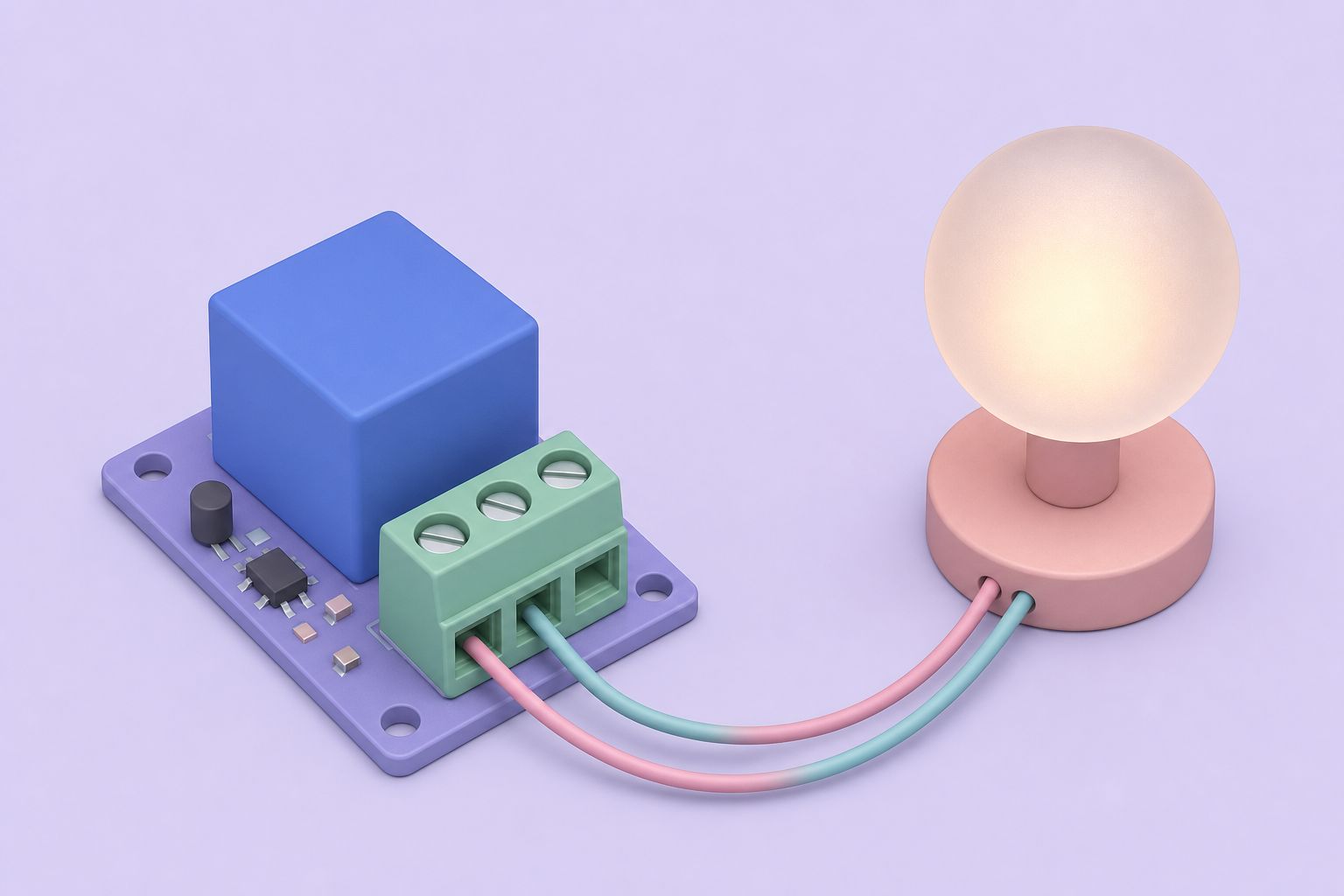
Wiring the Form C contacts
A Form C contact set has three terminals: common, normally open and normally closed. With the relay released, common connects to normally closed. When the relay energizes, common swaps over to normally open. Wiring a load between common and the normally open terminal gives a circuit that is off by default and on while the relay is active. Wiring it to the normally closed terminal does the reverse, which is useful for fail-safe designs where a load should keep running if the controller loses power.
Because the contacts are dry, the load needs its own supply in series with the contact. Keep within 1.25 A at up to 100 V DC or 0.5 A at 120 V AC. For inductive DC loads such as solenoids, a flyback diode across the load protects the contacts from arcing, the same principle the RELAY05 eight-relay kit used on its own coils.
The four LEDs mirror the relay states, which makes commissioning simple: send a command, watch the LED, then confirm continuity on the terminals with a meter before connecting anything that moves.
Connecting to a computer
- Power. Supply 12 V AC or DC at 350 mA or more. A plain AC transformer adapter is acceptable because the board accepts either.
- Serial link. Connect the board to a spare RS232 port. On computers without one, any RS232-to-USB converter provides the port.
- Software. Use a terminal program for first tests, then home automation or scripting software that can send text over a serial port. The command syntax is set out in the instruction manual.
- Verify. Operate each relay in steady-state mode, check its LED, then try a short momentary period to confirm the timer.
For systems built around a 1-Wire network rather than a serial port, the 1WIO relay module offered relays addressed over the bus, and the 1WSwitch serial controller could command up to 20 of them from a single serial connection.
Questions and answers
What does RS232Relay connect to?
It plugs into a PC's spare RS232 serial port, or into any RS232-to-USB converter on computers without a native serial port. The PC sends commands over the serial link, and the board switches its four relays accordingly, with an on-board LED showing the state of each relay.
What can the RS232Relay contacts switch?
Each of the four relays has a Form C dry contact, with one normally open and one normally closed side. The contacts are rated for 100 V DC at up to 1.25 A or 120 V AC at 0.5 A. Larger loads such as motors should be switched through a separate contactor driven by the relay.
How does momentary mode differ from steady-state mode?
Momentary mode closes a relay for a chosen period between 1 second and 99 minutes and then releases it automatically, so the timing does not depend on the PC staying responsive. Steady-state mode holds the relay in the commanded position until the next command arrives. A third, pulsed mode switches the relay in pulses as set out in the manual.
What power supply does RS232Relay need?
It takes 12 V either AC or DC and needs 350 mA. A common plug-in adapter is enough, and because AC input is accepted, a simple transformer-type adapter works as well as a regulated DC supply. The load circuits need their own power, since the relay contacts are dry.
Is RS232Relay still available?
No. It was offered as a basic board and as a version with a case, but it is no longer manufactured, and Midon Design stopped selling at the end of 2023. Its specifications remain useful when choosing or building a replacement serial or USB relay board with similar contact ratings.
Related pages
Build a Relay Interface for your PC; the RELAY05
RELAY05 was an eight-relay DPDT kit driven by TTL signals from a TEMP05 or TEMP08: 12 VDC at about 700 mA, 10 A contacts, circuit, assembly and testing.
1WIO a Multi-Purpose 1-Wire Sensor
1WIO was a DS2408-based 1-Wire board with options for 4 SPDT relays, 4 opto-isolated inputs and up to 8 LEDs.
1WSwitch Serial Interface
1WSwitch was a stand-alone serial controller for the 1-Wire bus: 60 sensors, DS2405/DS2406 switches, DS2438 voltage sensing and 1WIO modules, discontinued.
Products
All Midon Design 1-Wire kits in one catalogue: TEMP05, TEMP08, LOG08, 1WSwitch, 1WIO, relay boards and programmers, compared by host link, function, era.
Build a PC to IR Interface
The CIR-II was a parallel port IR interface that let a PC learn and send remote control codes, based on the CIR design and ZipLabel's PowerIR software.